DISCFIELD / Learn
How to throw a hyzer flip: choose a disc and find the angle
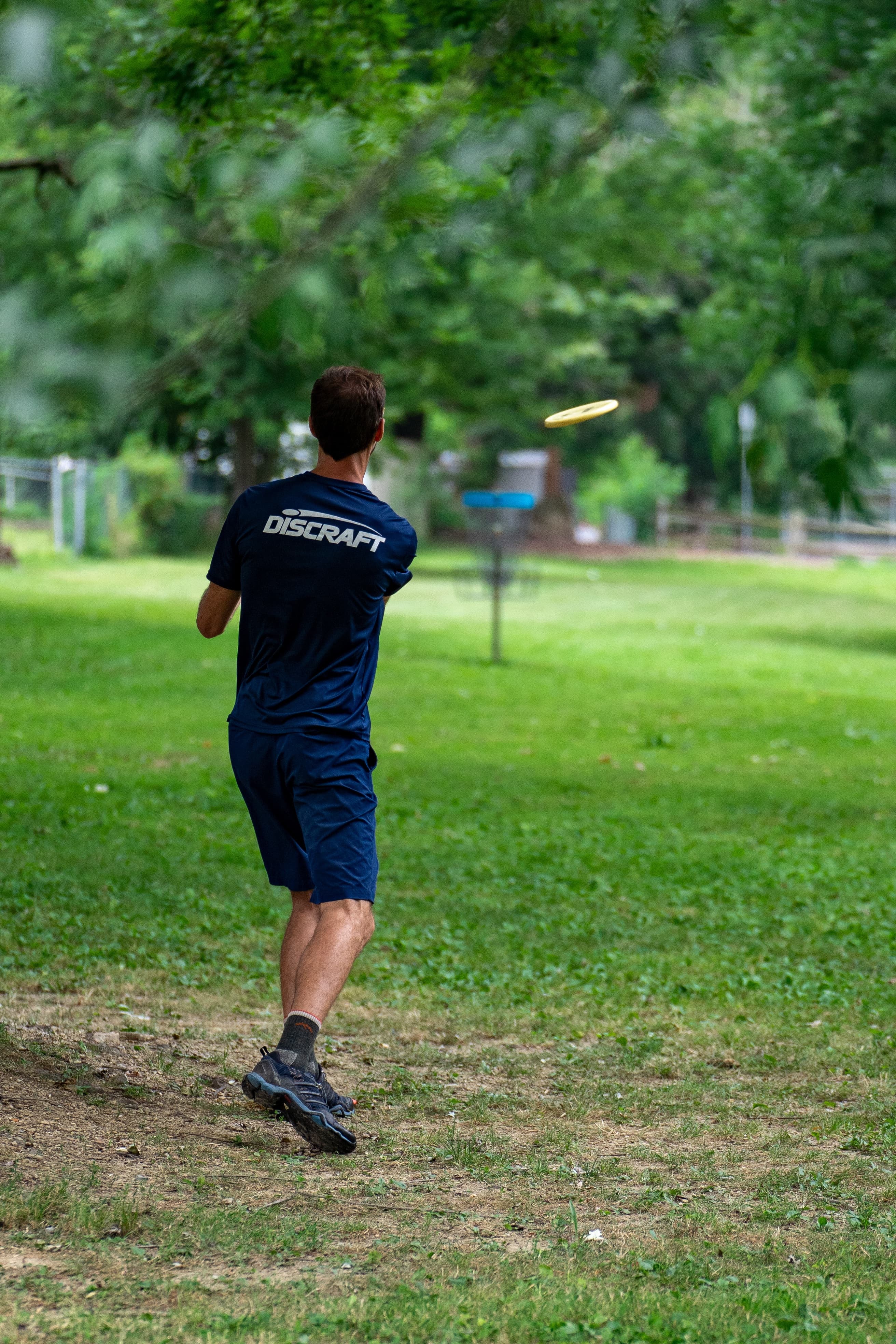
Your disc drifts right when you throw a flat right-handed backhand, but the next fairway asks for a straight shot. A hyzer flip gives you another way to use that disc: start it on a hyzer angle and let its turn bring it toward flat.
Our starting advice is to try a familiar understable midrange or fairway driver at a comfortable effort. Find an angle that produces the flight you want before adding another disc to your bag.
What is a hyzer flip?
For a right-handed backhand throw, a hyzer flip starts with the disc's outside edge tilted down. During the faster part of flight, the disc turns toward a level position. A flip to flat can then carry along a relatively straight line; a disc that keeps turning may drift right. It can still fade left as it slows.
The word "flip" describes that change in bank angle. Innova shows how release angle and power change the result in its understable-disc guide.
Hyzer and anhyzer describe the release angle; understable and overstable describe flight tendencies. For a hyzer flip, you start on hyzer. A flex shot starts on anhyzer with an overstable disc that can fade back, so the two shots ask for different equipment and releases.
Which edge should point down?
Think about the disc as you face the direction of the throw. Its outside edge is the edge away from your body at release. Innova's disc golf FAQ explains the hand-specific angles:
| Throw | Hyzer release | Typical turn and fade directions |
|---|---|---|
| Right-handed backhand | Left edge lower than the right | Turn toward the right; fade toward the left |
| Left-handed backhand | Right edge lower than the left | Turn toward the left; fade toward the right |
| Right-handed forehand | Right edge lower than the left | Turn toward the left; fade toward the right |
| Left-handed forehand | Left edge lower than the right | Turn toward the right; fade toward the left |
This guide's practice examples use a right-handed backhand. Mirror the directions for a left-handed backhand. A forehand can also hyzer flip, but learn its release separately instead of assuming the same disc will behave identically with both throws.
Banking the disc is different from aiming the whole throw downward. Keep a landing target in front of you and give the flight room to develop.
Choose a disc that already turns for you
Start with a disc that shows some turn on a smooth, flat throw. An understable label helps narrow the choice, but your actual copy needs to turn at the effort you can repeat. Innova's flight ratings guidance explains why an understable disc can act more overstable when thrown slowly.
These two existing DiscField records are useful candidates to borrow or compare with your current discs:
| Disc | Manufacturer flight numbers: speed / glide / turn / fade | Why we'd consider it |
|---|---|---|
| Latitude 64 Opto Fuse | 5 / 6 / -1 / 0 | A midrange option for trying the shot before moving to a driver |
| Innova Leopard | 6 / 5 / -2 / 1 | A fairway option if your own Leopard already turns at a comfortable effort |
Latitude 64 describes the Opto Fuse as an understable midrange with hyzer-flip uses. Innova includes hyzer flips among the Leopard's uses, with its general ratings listed in the manufacturer comparison chart.
The Fuse numbers above apply to the checked Opto listing; the Leopard numbers are Innova's general model reference. They are manufacturer ratings, with different brands using their own scales. Neither row guarantees a flip for your throw or establishes that one disc will turn more than the other.

Check the plastic and marked weight before borrowing or buying. Wear matters too. Innova says DX plastic changes flight characteristics with use and that Champion versions are often more stable than the same model in other plastics. A fresh premium Leopard may require a different throw from a worn DX copy. Our DX, Star and Champion guide explains the tradeoffs.
Find the angle with a short practice drill
Choose a clear, open area in calm conditions. Use a landing target you can reach comfortably and leave room for a miss on either side. Wait for people to clear the throwing area.
- Throw your chosen disc flat a few times with a smooth, repeatable effort. Watch its early flight as well as where it lands. If it consistently fades left without turning, try a slower or more understable disc you can borrow.
- Use the same disc and effort with a small hyzer tilt. Watch whether the disc holds that angle, reaches flat, or continues past flat.
- Change only the tilt for the next few throws. If it stays on hyzer, try a little less tilt. If it keeps turning right, try a little more. Repeat each adjustment before deciding what it did.
- Once it flips toward flat predictably, aim at a broad landing area and check the finish. A useful result reaches that area often enough to trust on a round.
There is no single release angle or distance threshold everyone needs to reach. Record the disc, plastic, marked weight, conditions and a short note such as "small hyzer, comfortable effort, flattened then finished left." This is our practice suggestion, not a measured training program.
If you want to fit the drill into a longer session, use the controlled-drive portion of our 30-minute beginner practice routine.

Why your hyzer flip stays left or turns too far
For the right-handed backhand examples below, judge the early flight separately from the finish. A disc that flattens and later fades left has done something different from a disc that stays banked left throughout.
| What you see | What to check | One adjustment to try |
|---|---|---|
| It holds the hyzer angle throughout | The starting tilt and whether this disc turns on your flat throw | Reduce the tilt slightly, keeping effort similar |
| It climbs and then fades short | Whether the nose points upward relative to the direction of travel | Check the nose angle on a controlled throw |
| It flattens, then keeps drifting right | The starting tilt and effort | Add a little hyzer, keeping effort similar |
| It wobbles immediately and turns sharply | Whether the release was clean and on the intended angle | Slow the motion down and watch the release before swapping discs |
| It works one day but changes in wind | The conditions, plus any change in disc or wear | Repeat the comparison in calm conditions |
These are things to investigate, not diagnoses from a flight shape alone. Innova's explanation of flight numbers discusses nose-up fade, release wobble and wind effects. For windy rounds, use our disc selection guide for headwinds, tailwinds and crosswinds.
When to use the shot on a round
Try your practiced hyzer flip on an open hole before depending on it through a tight gap. Choose a line with enough room for the disc to flatten and finish. If your familiar midrange already reaches the landing area on a simple flat throw, compare the two results and use the one you can repeat.
Give the shot a job in Bag Check, such as a drive with a small hyzer release that flattens toward the landing area. Its notes can help you remember the throw, but its chart uses reference ratings and does not simulate release angle, wind or your technique.
Before buying a dedicated hyzer-flip disc, try the understable disc you own on the same target with a flat release and a small hyzer release. Keep the version that gives you a useful, repeatable landing area on your home course.
Sources and scope
Manufacturer sources checked October 4, 2026: Innova's disc golf FAQ, disc golf glossary, understable-disc guidance, Flight Ratings System, Understanding Flight Numbers, Leopard model page, disc comparison chart, plastic overview and Latitude 64's Opto Fuse listing.
Disc choices, practice steps and troubleshooting adjustments are DiscField editorial suggestions. We have not performed a field test for this article or measured a distance benefit. The credited product photographs show example discs, with their own plastic, color and stamp; they do not document the practice drill.